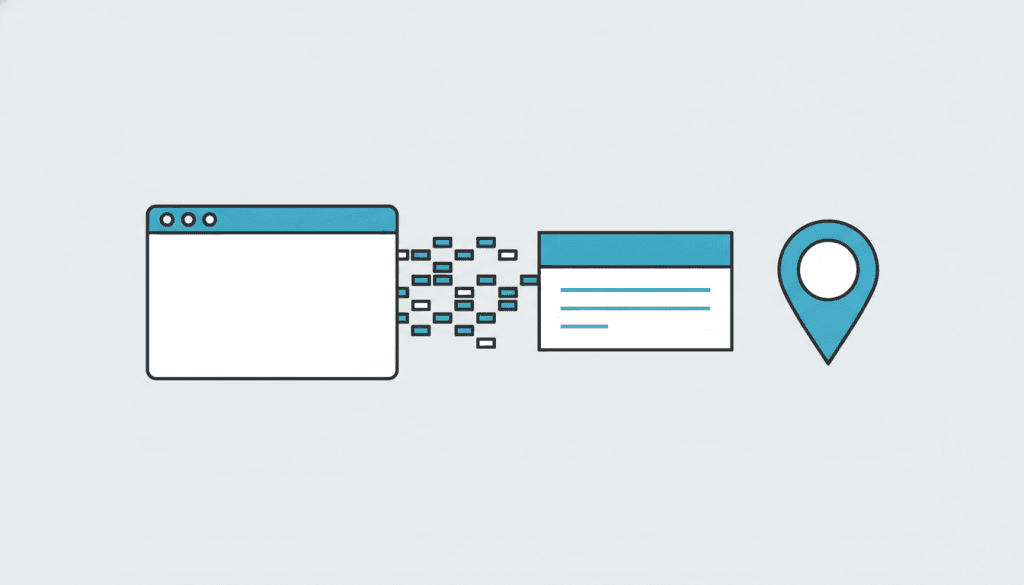
Schema markup is one of those phrases that sounds far more technical than it actually is. Strip away the jargon and it’s simply a way of labeling the information on your website so that Google can read it without guessing. When a Scottsdale customer searches for a plumber, a dentist, or a bakery, Google has to work out which businesses are relevant, where they are, and whether they’re trustworthy. Local business schema hands Google those answers directly instead of making it infer them from the words on your page.
We add this markup to nearly every site we build for Valley businesses, and owners are often surprised that something invisible to visitors can matter so much. You’ll never see schema on the page—it lives quietly in the code—but it shapes how your listing appears in search, whether your hours show up, and how confidently Google connects your website to your physical presence in Scottsdale, Tempe, or Phoenix. Here is what it does and why it’s worth getting right.
What local business schema actually is
Schema is a shared vocabulary, agreed on by Google, Bing, and the other major search engines, for describing things on the web. Local business schema is the specific chunk of that vocabulary built for companies that serve a place. It lets you tag your business name, phone number, service area, opening hours, price range, and the type of business you run in a format machines parse instantly. Think of it as filling out a structured form that sits underneath your normal page—the human reader sees a friendly “Call us” section, while Google sees a clean, labeled record it can trust.
The reason this matters in a competitive market is simple. When two Scottsdale businesses offer the same service, the one that gives Google clearer, better-organized information is easier to display and easier to recommend. Schema doesn’t trick the algorithm; it removes ambiguity, and removing ambiguity is almost always rewarded. It’s worth stressing that this is not a shortcut or a loophole—it’s more like handing a delivery driver a printed address instead of a hand-waved “somewhere near Old Town.” The information was always there; schema just makes it legible.
Why it matters for Scottsdale businesses specifically
Local search is fiercely contested across the Valley. A single query like “med spa near me” can pull from hundreds of listings between Old Town and North Scottsdale. In that environment, small clarifying signals decide who gets seen. Proper schema helps Google understand that you serve Scottsdale specifically, not just “Arizona” in the abstract, and it reinforces the same name, address, and phone details you should already have consistent across your site and profile. This ties directly into the groundwork we cover in local SEO basics for Scottsdale businesses.
It also plays a growing role in how modern search answers questions. When someone asks a voice assistant for a “24-hour locksmith in Scottsdale,” the assistant leans on structured data to decide who qualifies. If your hours and service type aren’t marked up cleanly, you can be technically open and still absent from the answer.
The details schema helps you communicate
The most useful fields for a local owner are the practical ones: your exact business name, address or service area, phone number, hours of operation, the categories that describe what you do, and links to your social and review profiles. You can also mark up reviews, frequently asked questions, and individual services. Each field you complete gives Google another verified fact to work with, and the cumulative effect is a listing that feels solid rather than sketchy. This is closely related to how you show up in the map results—we go deeper on that in our guide to ranking higher on Google Maps.

How schema connects to “near me” searches
The rise of “near me” searching has changed how local businesses get found. People rarely type “plumber in 85251”—they type “plumber near me” and let Google figure out where they are. For your business to surface, Google needs an unambiguous understanding of where you operate, and schema is one of the cleanest ways to provide it. When your markup states your service area plainly, you become eligible for those proximity-based results in a way a plain HTML page never guarantees. We explore this shift in more depth in our piece on near-me searches in Scottsdale.
The practical upshot is that schema and location intent work together. Good markup won’t invent demand that isn’t there, but it makes sure that when demand exists in your area, your business is a candidate to answer it.
Getting it right without breaking anything
Schema is powerful precisely because it’s literal, which means small mistakes carry weight. Marking up information that doesn’t match what’s visible on your page, claiming review stars you didn’t earn, or leaving broken code in place can all backfire—Google may ignore the markup or, in the case of fake reviews, penalize the listing. The safe approach is to mark up only accurate, on-page information and to validate the code before it goes live using Google’s free testing tools.
For most owners, this is a set-it-and-maintain-it task rather than a daily chore. Once your schema reflects your real business and matches your profile, the main upkeep is updating it when your hours, phone number, or services genuinely change. Done carefully, it’s one of the quieter, more durable investments you can make in how your Scottsdale business is understood online. And unlike a paid ad, it keeps working every day without a running bill—the effort is front-loaded, and the benefit compounds as search leans harder on structured data every year.
Frequently asked questions
Do I have to know how to code to add schema?
No. Many platforms and plugins generate valid local business schema from a simple form, and a good web partner will add and validate it for you. The important part is that the information is accurate and matches what’s on your page.
Will schema alone get me to the top of Google?
No single element does that. Schema removes guesswork and makes you easier to display correctly, but it works alongside strong content, consistent listings, and genuine local relevance rather than replacing them.
How do I know if my schema is working?
Google’s Rich Results Test and Search Console both show whether your markup is valid and being recognized. If the tools read your business details back to you cleanly, Google can too.
If you’re not sure whether your site is speaking Google’s language, that’s an easy thing for us to check. Get a free quote and we’ll review your markup and your local setup honestly.