
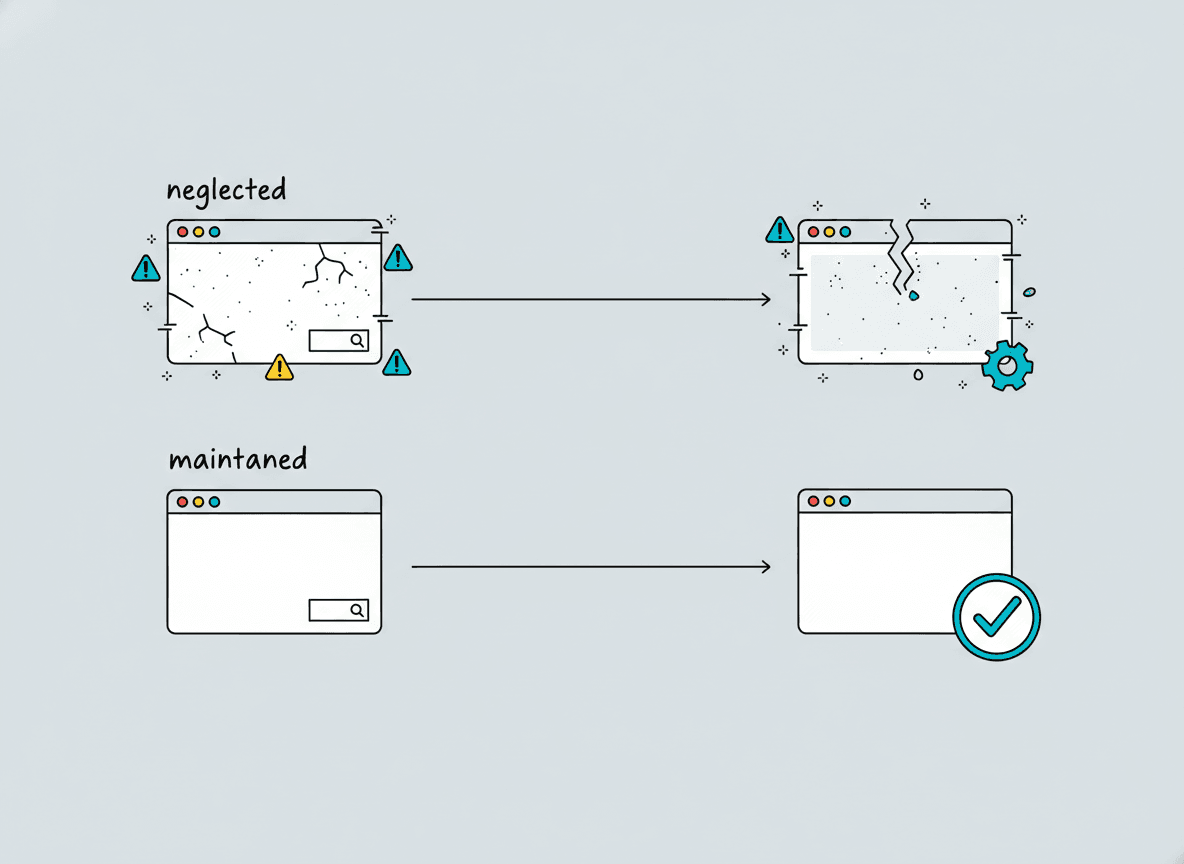
Most businesses think about their website until launch day, then stop. The site goes live, the builder moves on, and the site drifts—slowly outdating, accumulating technical debt, and eventually becoming a liability instead of an asset. Website maintenance is what prevents that drift.
What website maintenance actually includes
Maintenance is a broader category than most owners expect. It’s not just making sure the site loads. A real maintenance program covers several distinct areas.
Software updates. WordPress core, themes, and plugins all release updates regularly. Many of those updates patch security vulnerabilities. An unpatched site is an invitation to automated attacks, and WordPress sites are targeted constantly. Staying current is the single most important security practice for any WordPress site.
Backups. A daily off-site backup is the difference between a crisis and an inconvenience. If a site is hacked, a plugin update breaks something, or a hosting failure corrupts files, a clean recent backup is the recovery path. Without one, you’re starting from scratch—potentially losing months of content, settings, and customer data.
Performance monitoring. Page speeds change over time as content grows, plugins accumulate, and hosting environments shift. Monitoring catches slowdowns before they affect rankings or visitor experience. Regular audits of Core Web Vitals scores keep the site competitive in search.
Uptime monitoring. Servers go down. Hosting issues happen. Knowing within minutes rather than discovering it when a customer mentions it is the difference maintenance makes.
Content freshness and broken links. Pages age. Links to other sites break. Internal structure changes when pages are added or removed. Periodic audits catch the small problems before they become a pattern that damages search performance.
Why maintenance gets skipped—and why that’s expensive
Website maintenance gets deprioritized for the same reason dental cleanings do: when nothing is visibly wrong, it’s easy to assume nothing is wrong. The cost of skipping shows up later, usually all at once.
A hacked website costs far more to clean up than a maintenance plan costs to run. Recovery involves malware removal, file restoration, reputation cleanup with search engines, and often rebuilding portions of the site. If the site was processing payments, the implications extend to compliance and customer notification. The real cost of a poorly maintained site is almost always higher than the cost of preventing the problem.
Beyond security, a site that hasn’t been maintained for a year or two typically has plugin conflicts causing subtle functionality bugs, page speeds that have degraded, and content that no longer reflects the actual business. These are quiet drains on conversion and credibility that don’t announce themselves.
What a professional maintenance plan looks like
A good monthly maintenance plan for a small business website typically includes:
- Managed WordPress core, plugin, and theme updates with compatibility testing
- Daily automated backups stored off-site with tested restore procedures
- Uptime monitoring with alerts
- Monthly performance and security scan reports
- A small allotment of developer time for minor updates—copy changes, new photos, adding a team member
Some plans include more: SEO monitoring, quarterly content audits, priority response time for anything that breaks. The right plan depends on how much your business relies on the site and how often you need changes made.
For Scottsdale businesses that use their website as a primary lead source, investing in a solid maintenance plan is part of protecting that asset. For businesses that get most leads through referrals and the site is secondary, a lighter plan may be appropriate—but some level of maintenance is always warranted.
DIY maintenance vs. professional management
Technically sophisticated owners can handle some maintenance tasks themselves—WordPress core updates, plugin updates, and backups are manageable with the right tools and attention. The risk is that maintenance tasks are time-sensitive and easily displaced by other priorities. A plugin update that waits three months is a vulnerability that sat open for three months.
Professional management removes the task from your plate entirely and ensures it happens on schedule. For most business owners, the value is less about the technical complexity and more about the consistency—maintenance only works if it actually gets done.
If you had a recent website redesign or are launching a new WordPress site, building a maintenance plan into the project from the start is the cleanest approach. The alternative is a great site that quietly decays over the next eighteen months while you’re focused on running your business.
How to evaluate whether your current site needs maintenance attention
A few quick checks tell you a lot. Load your site in Google PageSpeed Insights—scores below 70 on mobile deserve attention. Run your URL through a free SSL checker to verify your certificate is current and properly configured. Check WordPress admin and note how many plugin updates are pending. If the answer is “many” or “I’m not sure,” the site needs attention.
For a more complete picture, we offer site audits as part of our web design and process conversations. If you want to understand exactly where your site stands, reach out for a free quote and we can start there.
Frequently asked questions
How much does website maintenance cost per month?
For a typical small business WordPress site, professional maintenance plans range from about $50 to $200 per month depending on the scope. Plans that include a developer time allotment for minor updates cost more than pure monitoring and update services. The cost is modest relative to the cost of recovering from a security incident or rebuilding a neglected site.
Can I do my own WordPress maintenance?
Yes, technically. Core and plugin updates are straightforward in the WordPress admin, and backup plugins like UpdraftPlus make off-site backups manageable. The real challenge is consistency—maintenance only protects you if it happens on a schedule, and most business owners find it slides in practice. If you have the discipline to do it monthly without fail, DIY maintenance is a legitimate option.
What happens if I ignore WordPress updates?
Outdated plugins and themes are the primary vector for WordPress site compromises. Attackers actively scan for known vulnerabilities in common plugins and exploit them automatically. An unpatched site is at measurably higher risk. Beyond security, unaddressed updates eventually create compatibility conflicts that can break site functionality in ways that are expensive to diagnose and fix.
How often should website backups run?
For most business websites, daily backups are the right default. Sites that change frequently—active eCommerce with daily orders, or high-volume blogs—may benefit from more frequent backups. The key is that backups should be stored off-site (not on the same server) and that the restore process has been tested at least once. A backup you’ve never tested is a backup you can’t rely on.
Is website maintenance different for eCommerce sites?
Yes, meaningfully so. eCommerce sites carry customer payment data and order records, which makes security far more consequential. PCI compliance requirements add another layer of responsibility. High-transaction-volume stores may need more frequent backups, active fraud monitoring, and closer attention to payment gateway plugin updates. The maintenance plan for a WooCommerce store should reflect that higher stakes.